Beiträge von N0neGiv3N

Willkommen in der Transport Fever Community

Wir begrüßen euch in der Fan-Community zu den Spielen Transport Fever und Train Fever, den Wirtschaftssimulatoren von Urban Games. Die Community steht euch kostenlos zur Verfügung damit ihr euch über das Spiel austauschen und informieren könnt. Wir pflegen hier einen freundlichen und sachlichen Umgang untereinander und unser Team steht euch in allen Fragen gerne beiseite.


Die Registrierung und Nutzung ist selbstverständlich kostenlos.


Wir wünschen euch viel Spaß und hoffen auf rege Beteiligung.

Das Team der Transport-Fever Community


    Good Morning Everyone,


    Yesterday I was getting this crash after a few hours of playtime.


    I have included a snapshot of the error window and the stdout.txt.


    I will start troubleshooting by removing the two mods I added recently, if that doesn't remedy the issue, I'm not sure what to do.


    Mod Specs: I have over 515 Mods enabled on this save but 611 -617 Mods installed in general.

    Hardware Specs I have 32GB RAM, a 1060 GTX, and a 2TB storage device. CPU is an 8th Gen i7.


    Please let me know if anyone has ever seen this error before. My Game Year is currently set to "2024" so it shouldn't be over the gametime limit of 9999.

    Dateien

    • stdout.zip

      (108,4 kB, 172 Mal heruntergeladen, zuletzt: )

    If you pin a construction that can be named, you can click the configure menu then.


    After you are in the configure menu, the world should turn white.

    Double-Tap Numpad 4 to return the color to normal.

    Then activate Camera Tool.

    If your construction asset has scale, rotate, or any of those sliders in the configure menu you can actually change them while in Camera Tool and can be super close to the asset.


    If you need more control over assets that do not have their own sliders, you can use the Construction Mover Mod in the same fashion and rotate, stretch, and skew objects that might not have ever been able to before!

    I will refresh this topic as the problem never disappeared for me back in November 2023; i've just been ignoring it. However, it would be nice to finally get this fixed. I have a map where there are no Bus Stops close by where this flickering occurs. Not really sure what to delete or even attempt to modify to try to make headway on this.

    Hello ! Is it possible for you to make the same mod but with only the skybox and shaders because it makes my game crash...

    I'm also interested in this. Is it possible to manually disable everything besides the Shaders and the extra Skybox capabilities? I would like to use the Environment Pack Mod, but it requires NEP. I haven't used NEP because It ruined my Tracks Menu and none of the Tracks I actually want to use will show up. If I could just enabled the Skybox and Shaders that would be excellent.

    Thanks!

    I have no clue why this happens, but the only way I can quickly remedy the issues this creates is if I flip the affected trains around before unpausing the game after demolition. This seems to fix it where the Train will skip the Station it was about to stop at (if it was in progress) and will go to the next station, but it won't go on a Grand Tour around the world.


    Unfortunately, this requires manual intervention on your behalf and also going on a wild Goose chase to figure out which Trains were affected. Until another solution arrives, this is all we have.

    First Time really using the Video Aspect of the Camera Tool.


    Definitely think this is the best way to showcase underground! It is in Youtube Shorts Format [9:16].


    Externer Inhalt youtube.com
    Inhalte von externen Seiten werden ohne Ihre Zustimmung nicht automatisch geladen und angezeigt.
    Durch die Aktivierung der externen Inhalte erklären Sie sich damit einverstanden, dass personenbezogene Daten an Drittplattformen übermittelt werden. Mehr Informationen dazu haben wir in unserer Datenschutzerklärung zur Verfügung gestellt.

    I don't think you can do that.


    However, download the MOTRAS German Station mod. It comes with a Station Platform Status Board and it has an extensive custom text feature where it will display any Line name that you desire it to. The only downside is that you will have to go into the Mod Files, edit the file that has the string information for the status board and manually type in all of the names of the lines in your world. If you change any line names in your world, you will have to mentally remind yourself to update this string list so that it is reflected in the world.

    When you load your save, place the board on the platform, choose your platform number and then your line name that you desire from the drop down box. Voila, you have line names on your platforms!

    There is a time feature for the board, but it is quite useless as it is not dynamic and does not reflect actual train traffic in your world. You would need the Dynamic Arrival Boards or the SNCF Dynamic Screens mods on Steam Workshop to show that.


    Hope this helps you!

    Day 6


    Work is beginning to wrap up on this project as we delve deeper into the finer details.


    We started the day by revisiting our Platform Area and providing some additional tender love and care.


    This is facing the same direction as the last picture of the previous post. Here is another shot from the other end of the platforms.


    I had to break down a support wall I built a little because I realized there is no way to get from the Food Court to the Bus Terminal, Casino or Hotel without going through the fair gates or walking OUTSIDE the complex all the way around which is bananas. I built an additional Walkway that completely bypasses the Platforms so you can cross the East and West halves of the complex without paying a swipe.


    The Bus Terminal side of the Walkway.


    View from that walkway bypassing over the tracks. You can see the Main Mezzanine Walkway in the background.


    A view from the Dining Hall peering at the Platforms and the Casino up above.


    Name of the building is "Yimsford Terminal", however the Title of the Station Stop: "Yimsford-Emporium"; serviced by the (6) and <6> Trains at all times.


    Let's get shot from the back of the complex


    We'll finish the day by posting a front view of the entire complex as it stands at the end of Day 6.


    Some of the most fun I've had in the game in awhile!

    Alright; it's time to get to work with a random burst of excitement and energy. I wanted to build a Custom Station from scratch using Motras station as the base.


    Here are the progress shots:

    Day 1

    Just laid down the Motras Station and called it a day after some terrain leveling and painting the foundation.


    Day 2


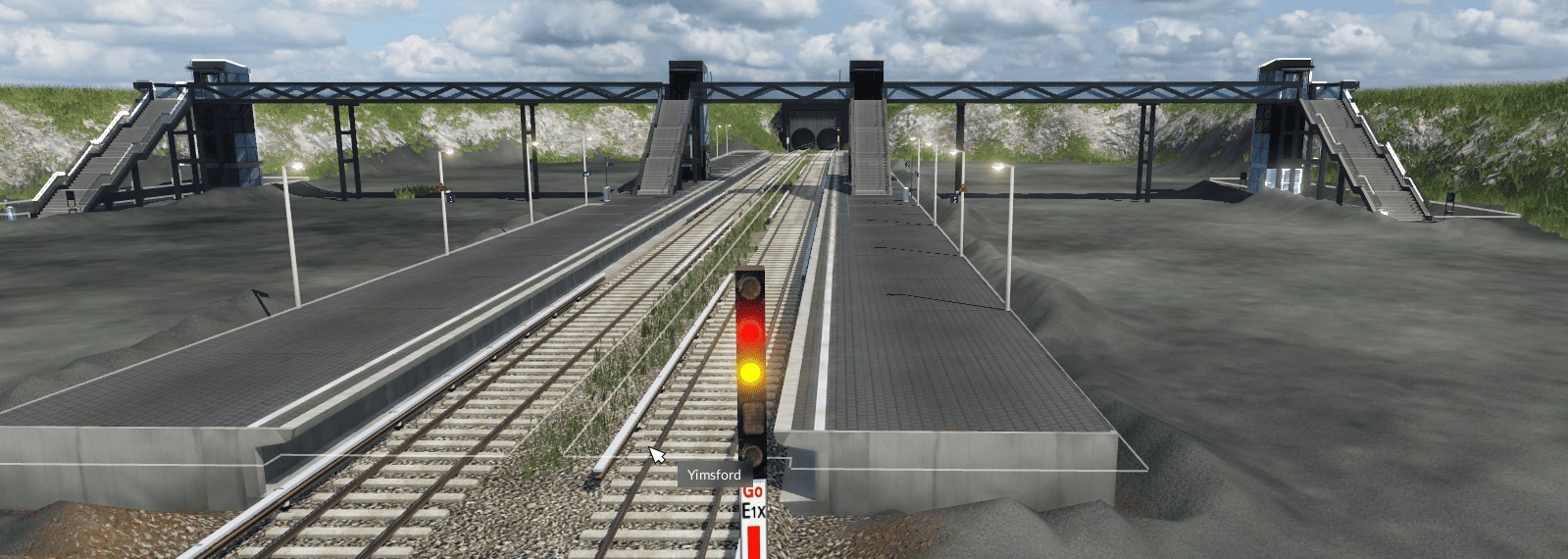
    Started to create a perimeter around the platforms to set up the shell of a Transportation Complex. Food Court, Bus Terminal & Depot, Lounge Area, and a Utility Room for the Railroad are starting to take shape. Station is fully ADA accessible with Elevators from the Street to Mezzanine and also the Platforms. Platforms have a roof over them separating the mezzanine walkway from it's direct view. Sunlight still reaches the platforms via the window panels on the ceiling.

    Day 3


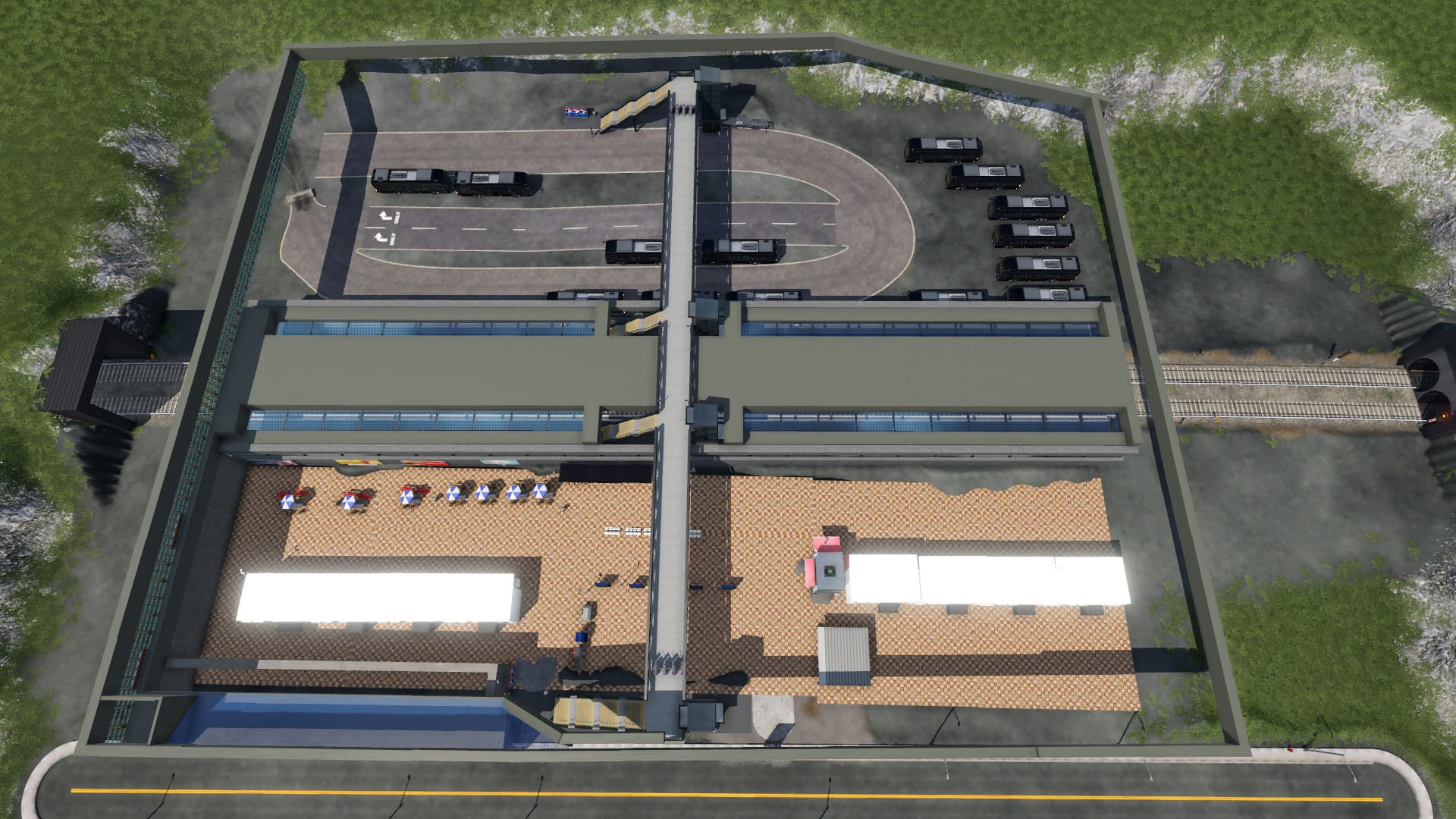
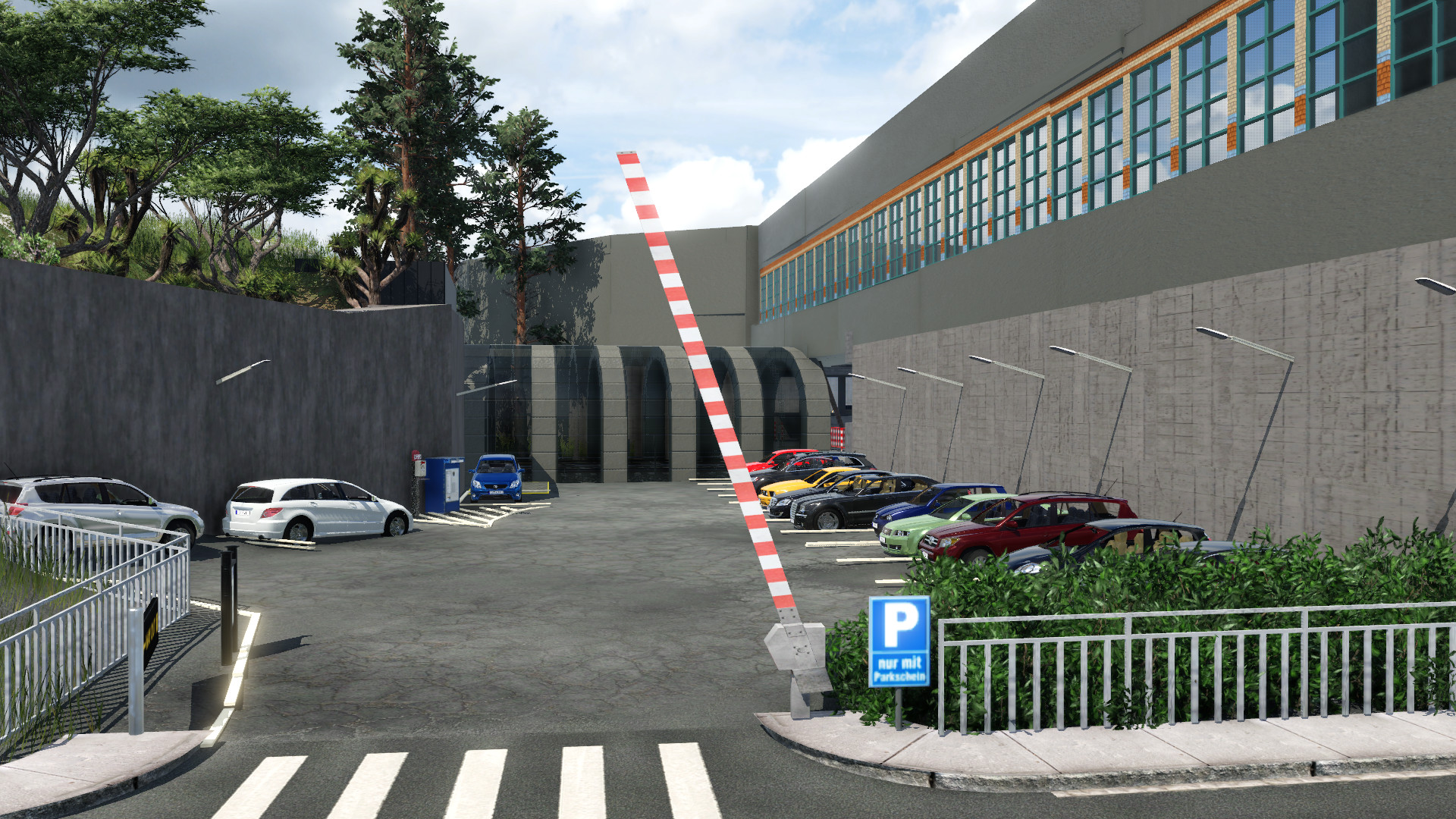
    The Custom Tunnel Portals take shape along with the two outside parking lots. A small roof section for the Bus Terminal entrance was constructed along with shelters for the platform staircase entrances.
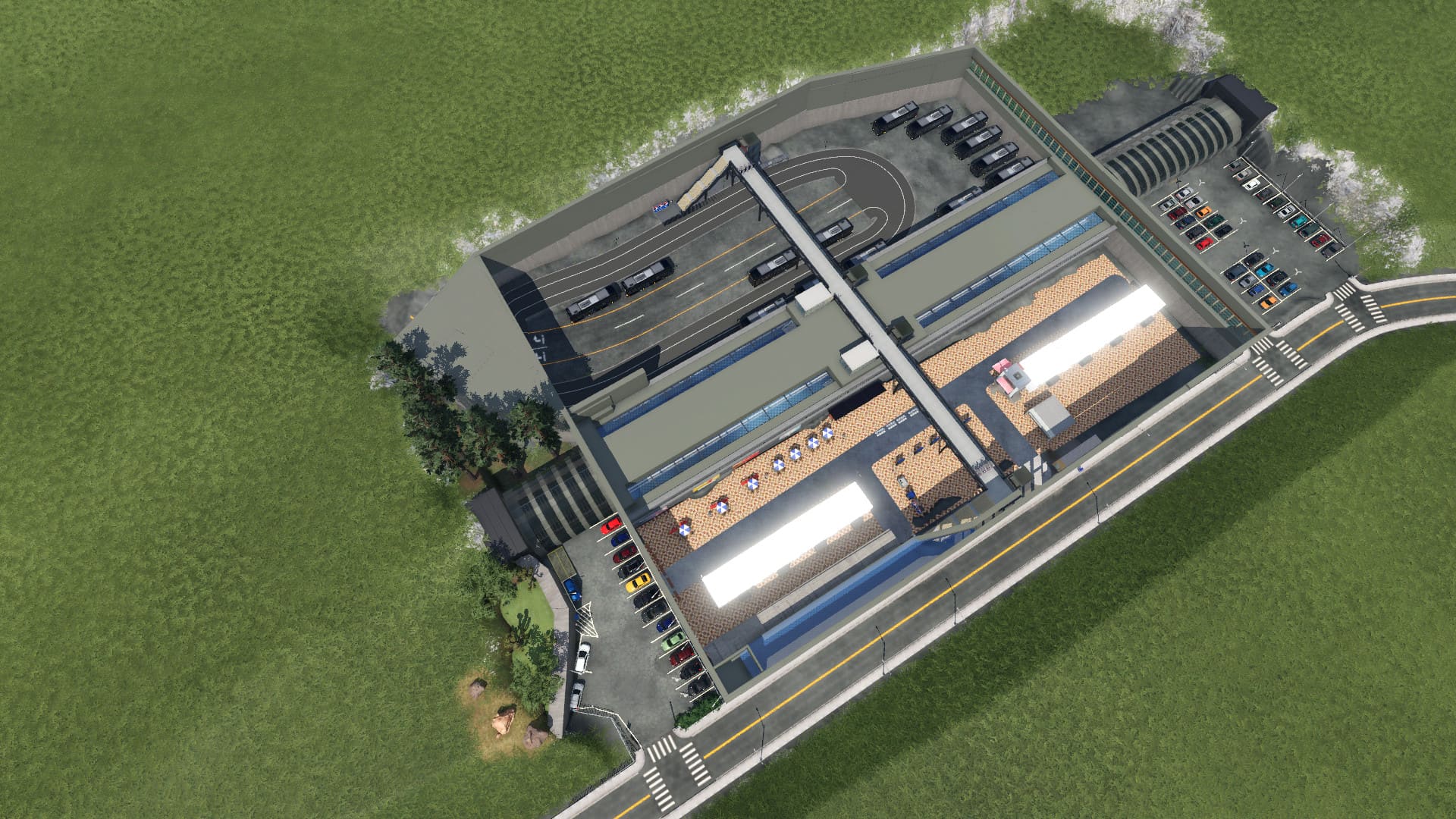


    Here is another perspective from standing in front of the smaller parking lot.

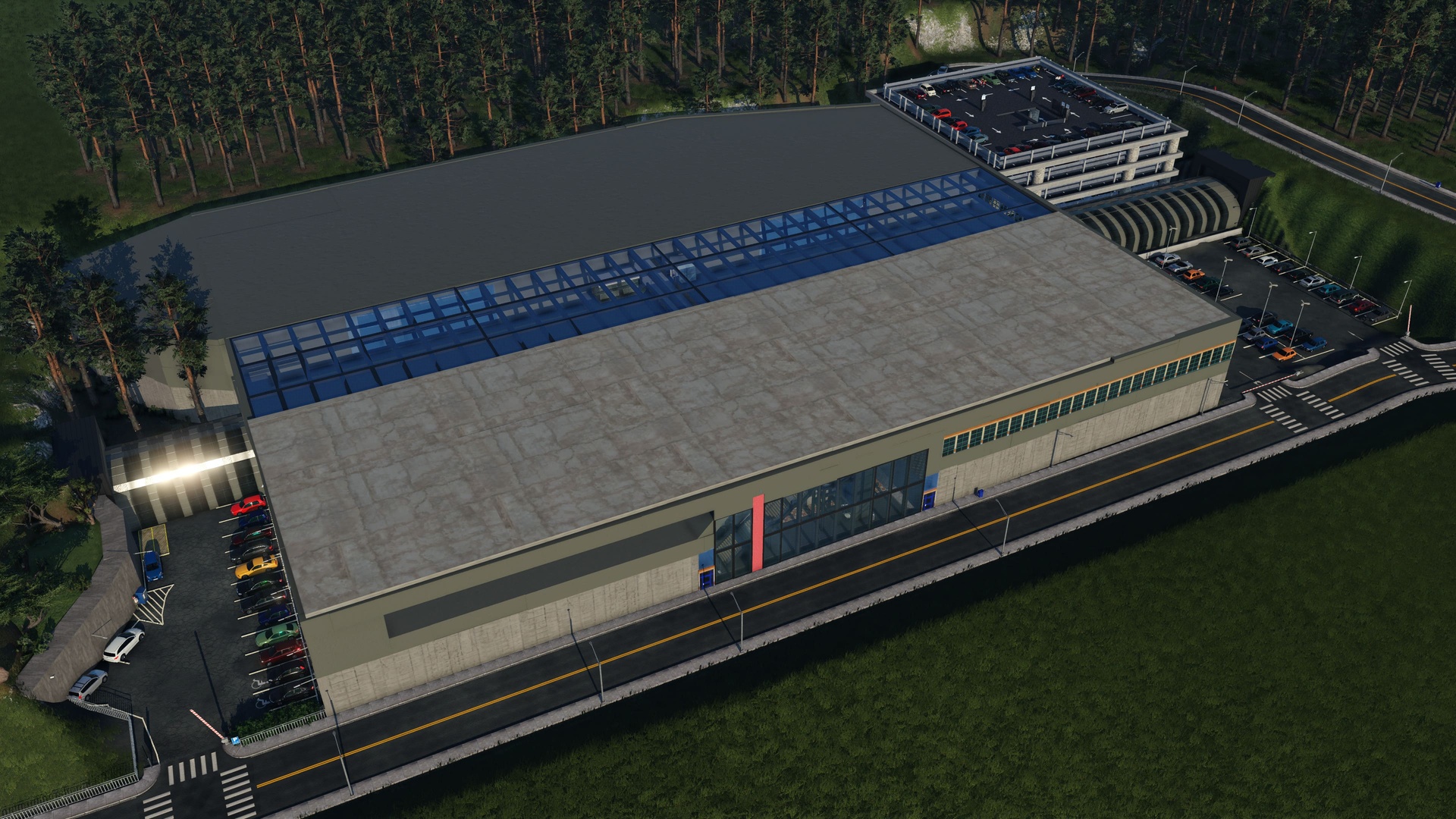
    Day 4


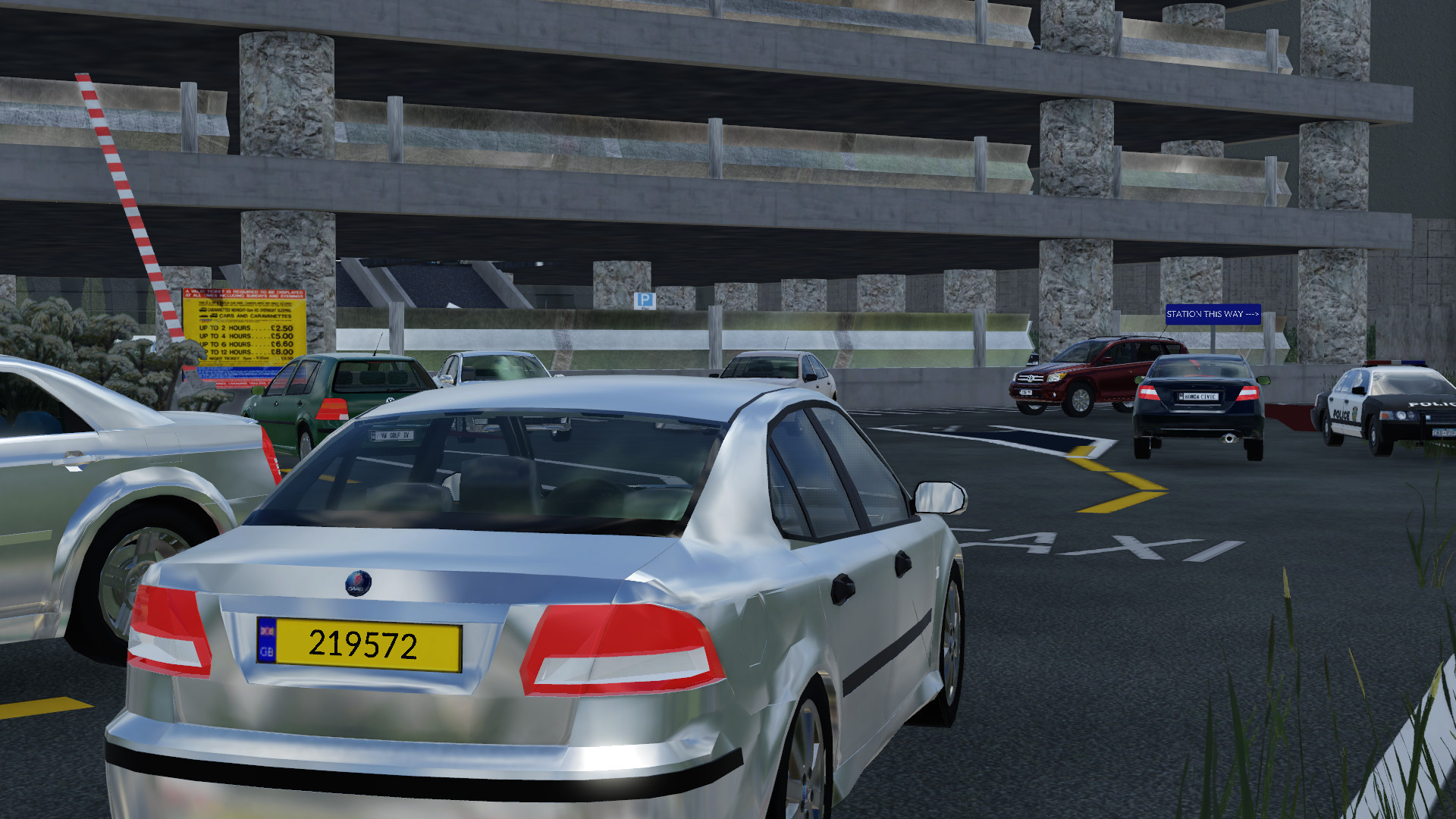
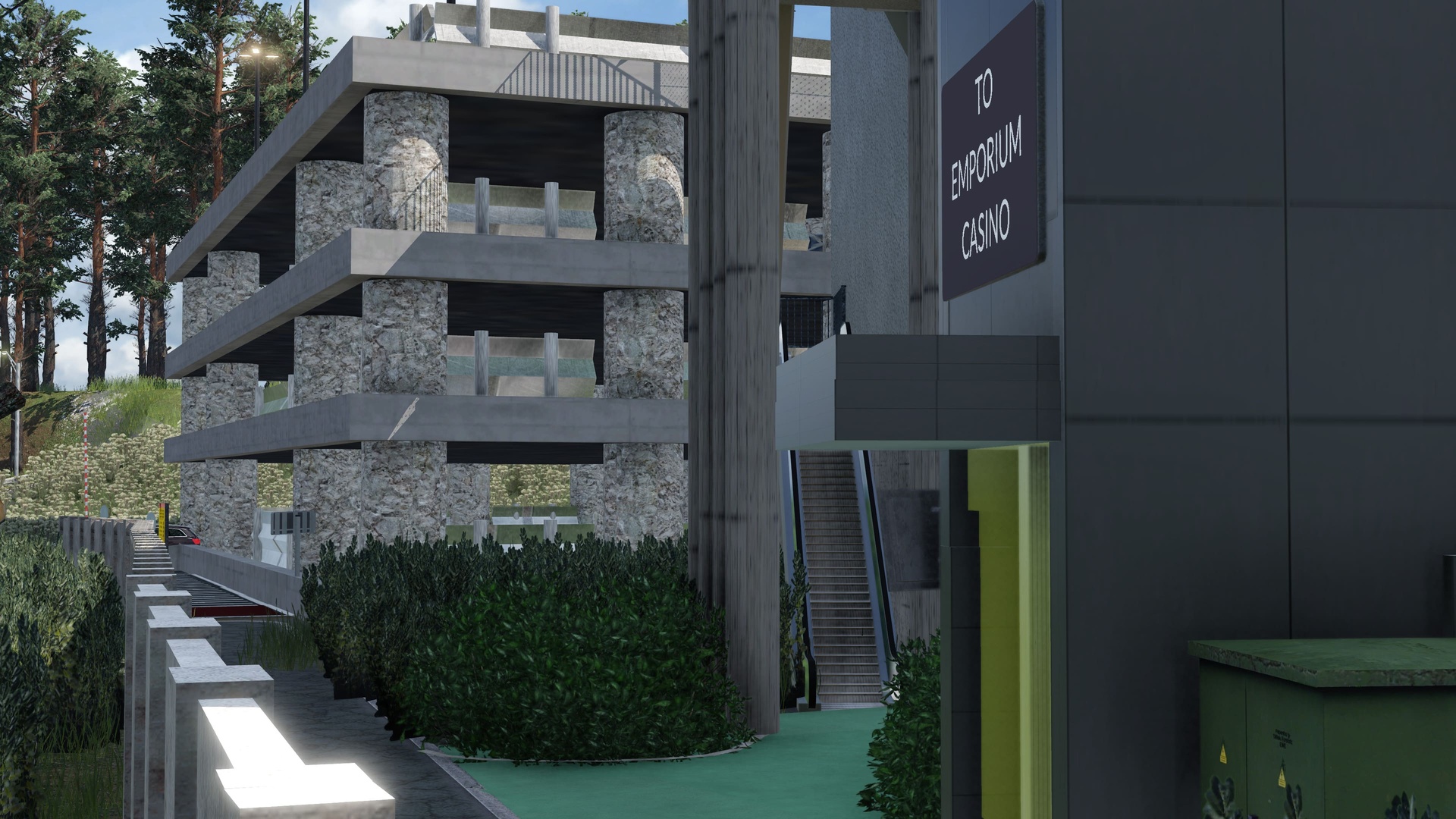
    The Four Story Parking Garage is constructed along with a Rideshare Drop-Off area and foliage. Back entrance is created for those using the garage so there is no need to have to walk all the way to the front. The full roof has been installed. The Support Structures for the roof are installed but not pictured from this angle.

    Another perspective of the Parking Garage, Rideshare area, and pathway to the back entrance.

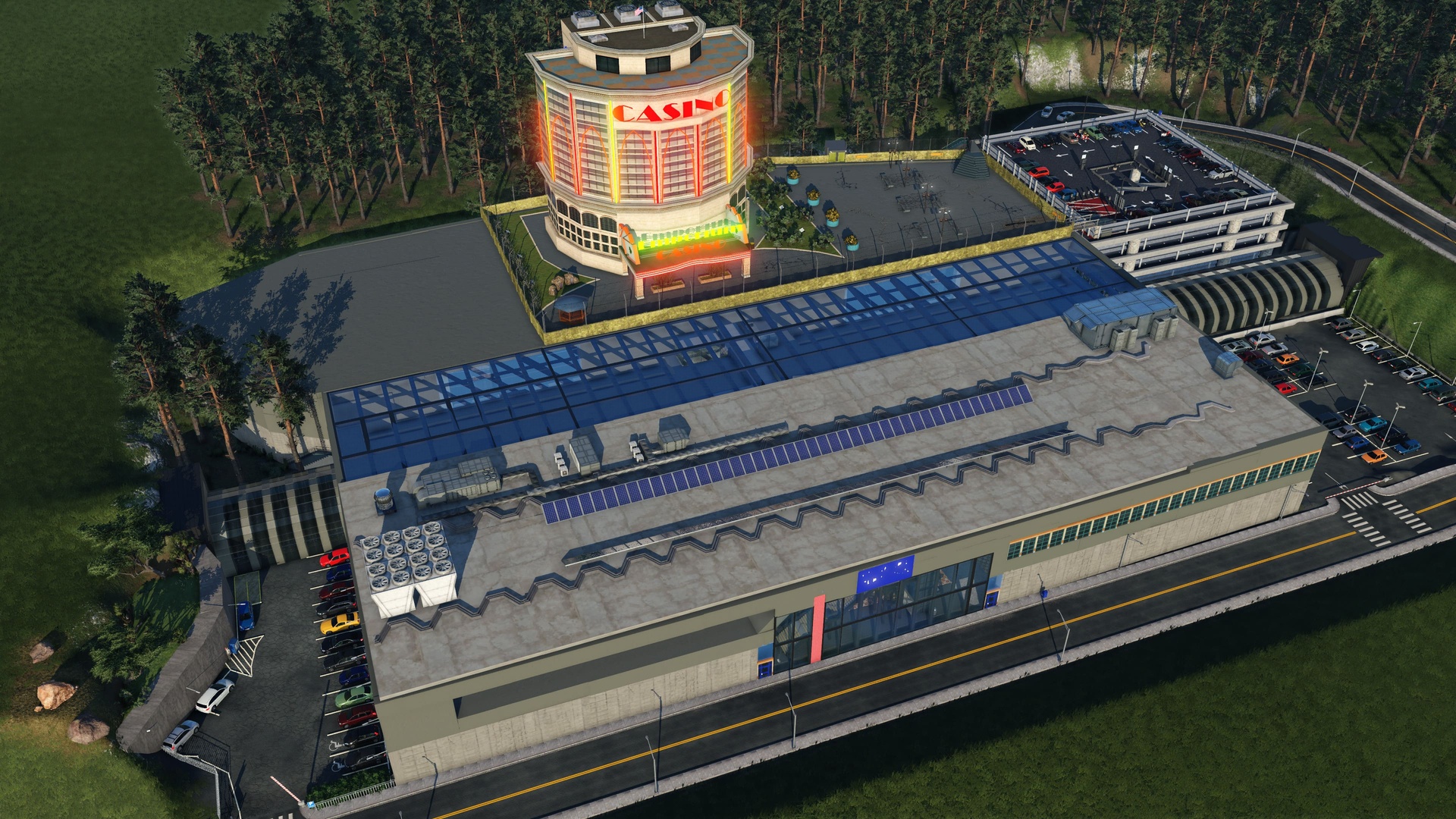
    Day 5

    Today was the big job of constructing the Casino and Hotel Entertainment Center on the West End of the Terminal's Roof. The Company "Emporium Casino LLC." purchased the Air Rights above the Terminal and were allowed to construct in such a compact location!


    The Ventilation System and Solar Panels have been installed on the East side of the Terminal's Roof.


    A Utility Ladder was also installed for Maintainers to have quick access to this restricted area of the roof.


    The Camera is quite far away, but the Blue Sign says "YIMSFORD TERMINAL"


    The Casino has several means of egress:

    • A Foot Bridge to cross over to the Top Floor of the Parking Garage.
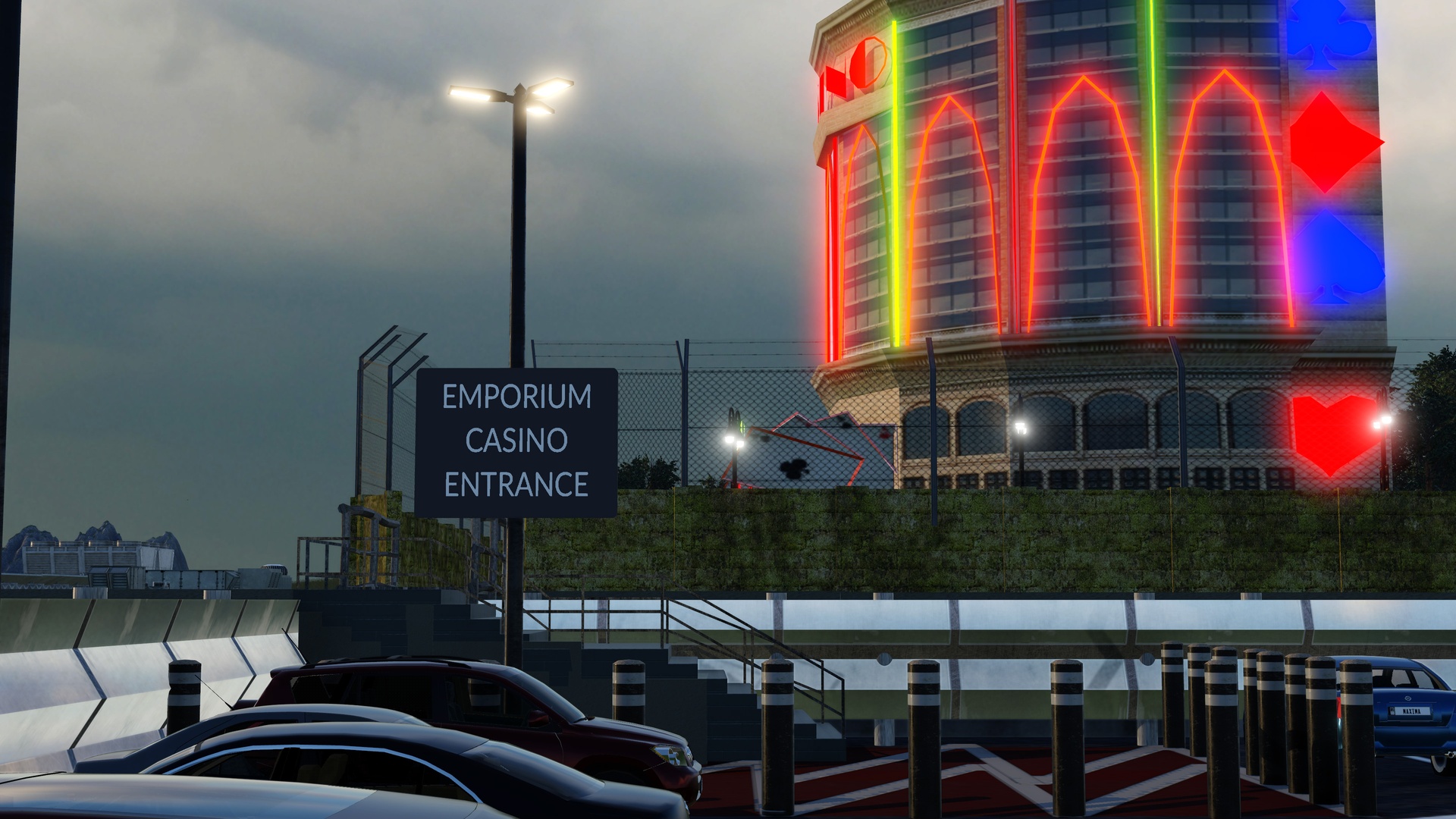
    • A series of Escalators along the West Wall of the Terminal that bring you to the Bus Terminal and Ride Share entrance.
    • An Elevator that takes you down the West Wall of the Terminal and brings you to the Bus Terminal and Rideshare entrance.
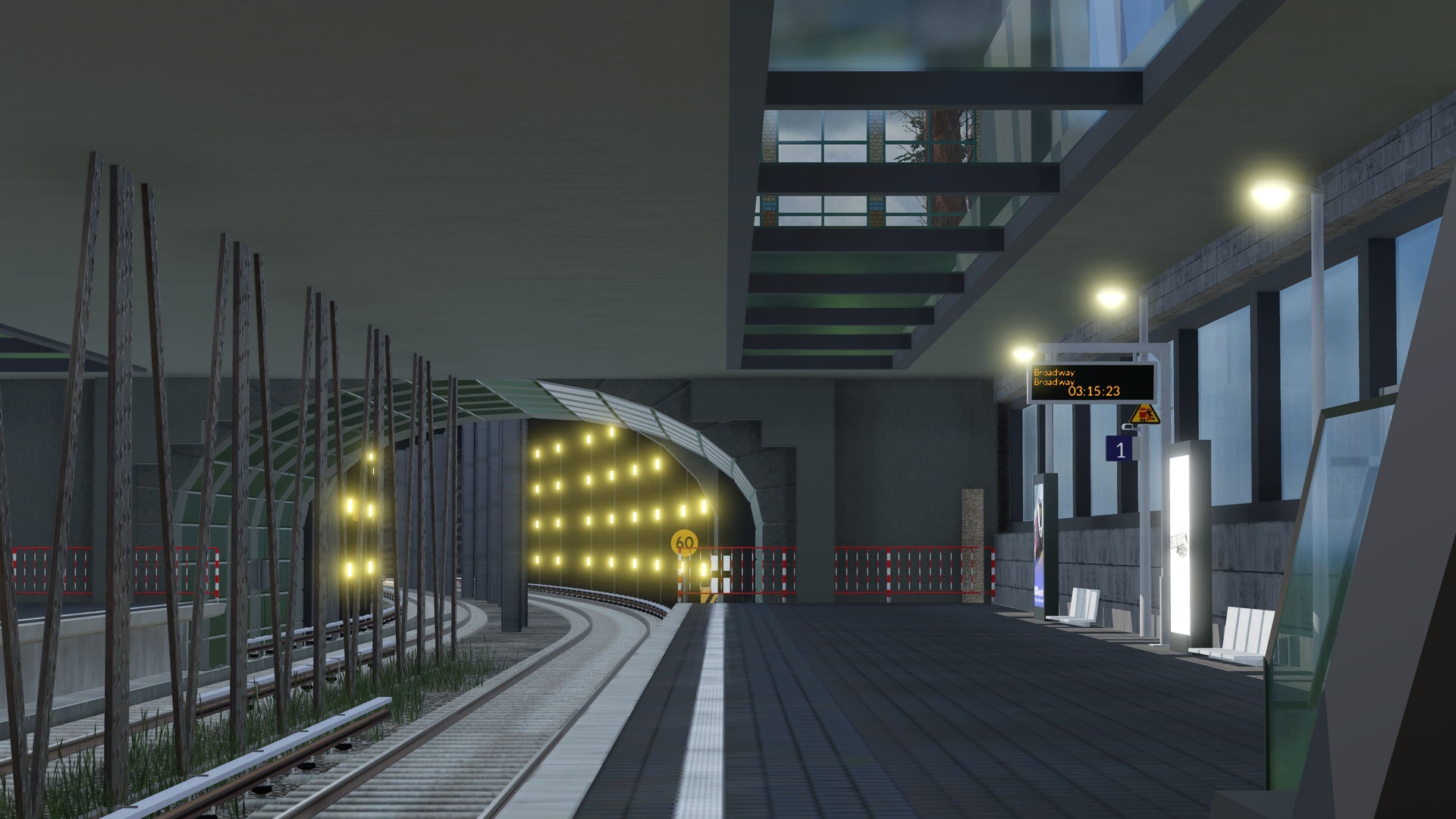
    Last but not least, the actual platform! Tunnel Lights illuminate the Right of Way towards the next station.

    --------------------------

    Believe it or not, there is still more to do! 8) I'll be adding the final version to my actual picture gallery here. :)